How to Read Your Office Printing Bill
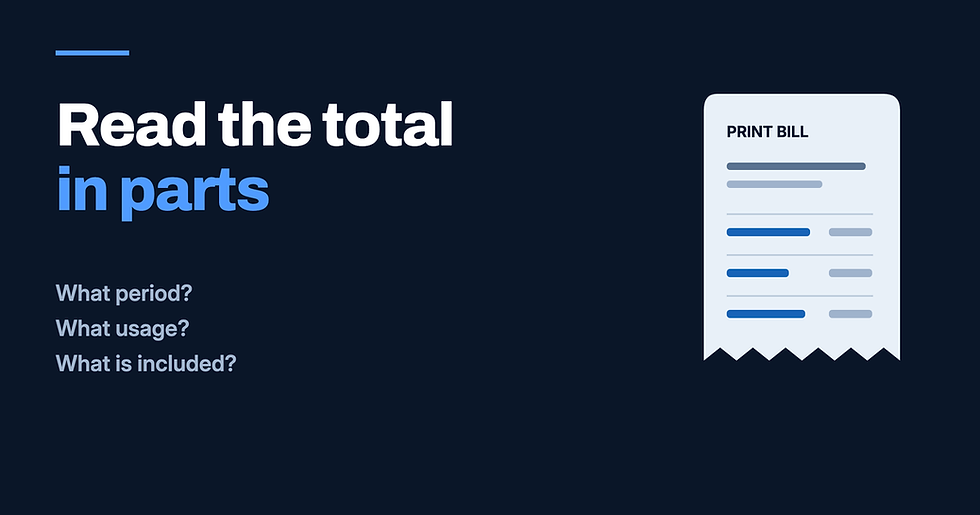
If a printing bill is higher than expected, start with the lines behind the total. Before deciding what changed, check the period being billed, the usage listed and what any relevant agreement includes.
For an office in Lafayette, Houma or Morgan City, the first step is the same: put the current bill beside the previous one and gather any agreement that applies. This is a guide to the questions to ask, not a description of the terms in a particular Classic Business Products contract.
Start with the billing period
Find the dates the charge covers. Do not assume that the invoice date is the start or end of that period. If the covered dates are missing or unclear, ask the billing contact to identify them.
Check the office location and equipment listed, too. If the bill covers more than one device or location, ask how the charges are divided. Keep that detail beside the total when comparing bills.
Before calling a difference an increase, confirm that both bills cover the same length of time and the same equipment. If they do not, ask for a comparison that accounts for the difference.
Match the usage to the charge
If the bill includes a page quantity, check which device and period it belongs to. Where billing is based on meter readings, ask which starting and ending readings were used and when they were taken.
Classic's article on finding the office page count covers the measurement side. For this bill review, the question is whether the usage record matches the charge being explained.
If color and black-and-white pages appear on separate lines, review each quantity and rate against the relevant agreement. If an allowance or an overage charge appears, ask what it covers and how that charge was calculated. Keep the answer with the bill rather than relying on memory the next time it arrives.
Check what is included
A heading such as “service” needs an explanation if it does not tell you what the charge covers. Look for the scope in the applicable agreement, and mark anything that remains unclear.
Classic's maintenance support information describes different levels of maintenance contracts. The coverage for a specific office still needs to be checked against its own terms.
For a Houma office reviewing a separate supply or repair charge, a useful question is whether that item falls within any existing coverage. Do not assume that ink, toner, parts, labor or paper is included just because another item is covered. Ask which terms apply to the line in question.
If there is no service agreement, use the relevant order, quote or service record to identify what was requested and what was charged.
Take the unexplained lines into the conversation
Mark the exact line that needs attention. Keep the invoice number, covered dates and equipment details ready, along with any related agreement or service record.
Ask the billing contact to explain the quantity, rate or charge, and identify the record that supports it. If a correction is needed, request written confirmation of what will change. If the charge is correct, keep the explanation for the next review.
There is no need to share an invoice or account details in a public comment. For questions about Classic equipment or service in Lafayette, Morgan City or across South Louisiana, call Classic Business Products at (800) 738-2200 with the relevant records at hand.


Comments